
Photomath Review 2026: Free Tier, Plus Pricing, and Google Acquisition Explained

- Photomath’s free tier covers most K-12 and introductory college math with no ads or time limits.
- Photomath Plus costs $9.99/month or $69.99/year; a 7-day free trial is available.
- Google acquired Photomath in 2023; the app still operates as a standalone product.
- Photomath is unreliable for upper-division engineering subjects like statics and thermodynamics.
- Refund windows are narrow: 7 days for Android, Apple’s own policy for iOS.
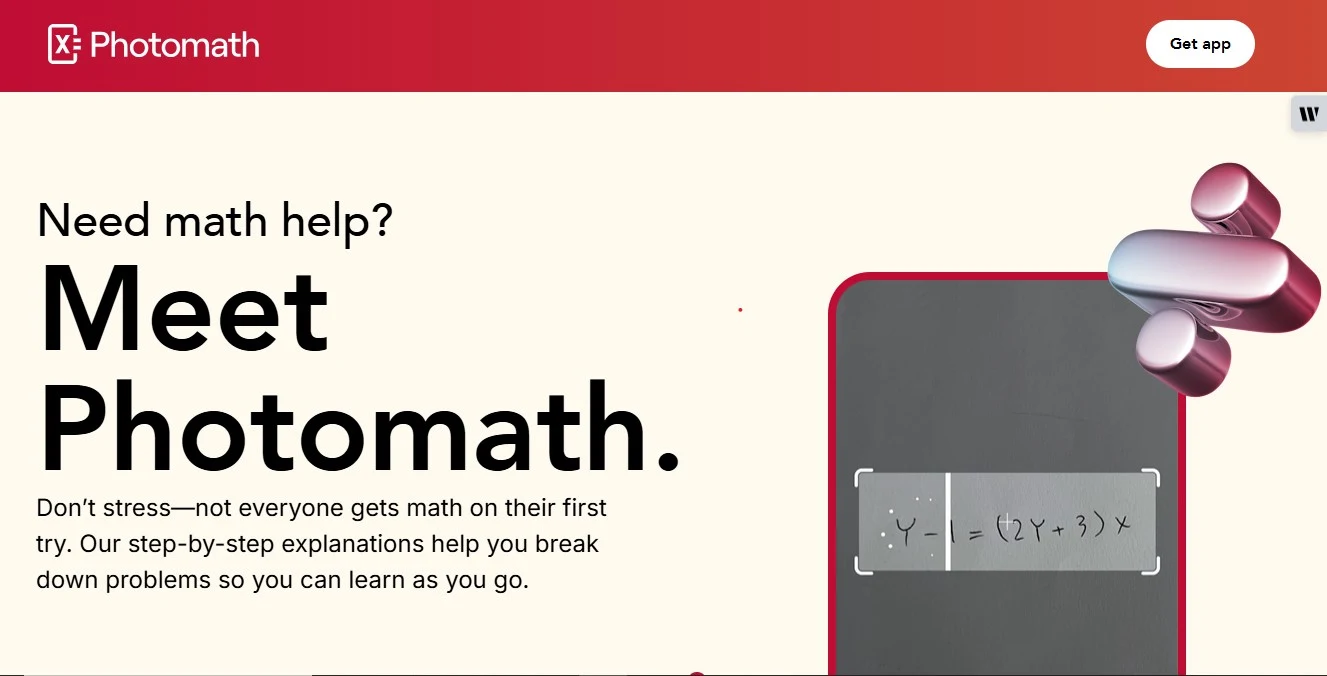
Photomath is an educational app that solves math problems by scanning them with a smartphone camera. Founded in Zagreb, Croatia in 2014 by Damir Sabol, the app has grown to over 100 million downloads, a 4.6 out of 5 rating on the Apple App Store from 729,000 ratings, and a 4.2 out of 5 on Google Play from more than 3 million reviews.
Google acquired Photomath in 2023, and it continues to operate as a standalone app in Google’s product lineup. This 2026 guide reviews user testimonials, pricing across the free and paid tiers, how the app works, the best alternatives including dedicated options for precalculus tutoring, and Photomath’s company background.
The single most practical question for any new Photomath user in 2026: the free tier is genuinely useful for most K-12 and early college math, while the $9.99 per month Plus plan unlocks animated tutorials and textbook-specific solutions. Whether Plus is worth paying for depends on what you are trying to accomplish and this guide maps that decision directly.
Photomath Reviews and Testimonials
Photomath consistently receives very positive reviews on major app platforms, with ratings well above the industry average for educational technology. On the user ratings on app stores it scores 4.6 out of 5 on the Apple App Store from 729,000 ratings, and 4.2 out of 5 on Google Play from more than 3 million reviews.
Students frequently describe Photomath as a “lifesaver” or “virtual tutor” for its ability to explain each step of a solution rather than just providing an answer. One Google Play reviewer noted the app not only finds answers but shows multiple strategies, calling it “like a teacher” for algebra.
Parents highlight that Photomath’s free basic version provides quick and understandable solutions, including typed entry for problems that cannot be scanned. Reviewers consistently note the app is ad-free and easy to use.
External sources reinforce this reputation. Forbes praised Photomath for its step-by-step guides, calling them beneficial for students without access to a tutor. Time magazine described it as “a dream come true” for struggling math learners.
An independent review site rates Photomath 78 out of 100, calling it a highly recommended tool for understanding math reasoning not just checking answers. Educators and reviewers confirm that Photomath is legitimate: it is not a scam and is safe for learning use.
The consistent note in negative feedback: features that were once freely accessible have moved behind the paywall of Photomath Plus. Some students feel $9.99/month is steep for a single-subject app, particularly when alternatives bundle more subjects.
The consensus remains that the free tier covers most standard homework needs, but students who rely on deeper explanations or specific textbook solutions will encounter the subscription barrier more often as their coursework advances.
Photomath Pricing
Photomath’s pricing spans from a genuinely free tier with unlimited step-by-step solutions to a $9.99 per month Plus subscription that unlocks animated tutorials and textbook-specific guidance. The table below maps both tiers at a glance before the detailed breakdown.

| Plan | Price | What It Includes |
|---|---|---|
| Free | $0 | Unlimited step-by-step solutions for standard math; camera scan or typed input; basic explanations |
| Photomath Plus — Monthly | $9.99/month | All free features plus animated step-by-step tutorials plus in-depth textbook-specific solutions |
| Photomath Plus — Annual | $69.99/year (~$5.83/month) | Same as monthly Plus at approximately 50% discount; billed upfront annually |
Pricing Range
Photomath offers a free version and a paid subscription called Photomath Plus. The free basic app provides unlimited step-by-step solutions to many problems at no cost. To access advanced features such as animated tutorials and textbook-specific solutions users can subscribe to Photomath Plus.
The official price is $9.99 per month for a monthly plan, or $69.99 per year for an annual plan, which works out to approximately $5.83 per month, roughly a 50% discount over monthly billing. Some third-party sources also mention a 6-month intermediate plan in certain markets. In other major markets, the cost is roughly equivalent after currency conversion.
What Students Say About Pricing
Student opinion on Photomath pricing is mixed. Many feel the free version already covers their needs for basic homework help unlimited step-by-step solutions is a meaningful offering, and most K-12 students do not need the Plus tier to benefit from the app.
Students who upgrade say the animated tutorials and in-depth explanations are worth the cost when preparing for exams, particularly for subjects like algebra, precalculus, and calculus. Others note that $9.99 per month is steep for a single-subject app when competing services bundle more subjects at comparable prices.
On forums, a recurring complaint is that features previously free have moved behind the paywall of Photomath Plus. This is a common pattern in edtech apps as they mature.
Users generally recommend taking advantage of the 7-day free trial before committing to a subscription, particularly since the free tier remains fully functional even after a trial ends or a subscription lapses.
Hidden Costs
Per Photomath’s terms, Photomath has no hidden fees beyond the announced subscription. There are no extra in-app purchases or unlocks beyond the Plus tier. The only possible additional costs are platform taxes: purchases go through the Apple App Store or Google Play, which may add local sales tax depending on your country or state.
Apart from the Photomath Plus subscription, Photomath does not charge for anything. All core features in the free app remain free indefinitely. There are no surprise fees for cancelling the subscription, though unused subscription time is not prorated if you cancel mid-month or mid-year.
How Pricing Works
Photomath Plus is a recurring in-app subscription managed entirely by the app store not by Photomath directly. When you subscribe via iPhone or Android, your account is charged automatically each billing cycle (monthly or annual) unless you cancel. The annual plan is prepaid at $69.99 upfront and renews each year.
The monthly plan renews at $9.99 each month. There is no long-term contract. You can cancel at any time before the next renewal date through your Apple or Google account settings Photomath itself does not process payments. Because billing is handled by the app stores, Photomath does not generally issue refunds except in specific circumstances described below.
Free Trial
Photomath offers a free trial for new Photomath Plus subscribers. Typically this is a 7-day trial that gives full access to Plus features, including animated tutorials and textbook-specific solutions.
To avoid charges, you must cancel before the trial ends through your Apple or Google account settings. Many students use this trial to compare free versus premium content and determine whether the Plus features justify the subscription cost. The free app remains fully active even after you stop a trial or cancel a subscription.
Refund Policy
Because Photomath purchases are handled by Apple or Google, refunds follow the app store’s rules rather than Photomath’s own policies. For Android (Google Play) subscriptions, Photomath can refund accidental purchases only within the first 7 days users must email Photomath support with their Google Play order number to request a refund within that window.
After 7 days, Google Play does not generally refund any portion of a monthly or yearly subscription fee. For iOS (Apple App Store) subscriptions, Photomath advises contacting Apple support directly for any refund issue.
In practice, only mistakes made immediately after subscribing such as forgetting to cancel during the trial are likely to be refunded. Reviewing your app store’s refund policy before subscribing is recommended, since Photomath relies on those policies for all billing and refund decisions.
Top 5 Free Resources to Learn an Easy Coding Language for Engineering Students
Photomath Alternatives
For engineering students who need help with statics, thermodynamics, circuits, dynamics, or FE exam preparation, My Engineering Buddy (MEB) fills the gap that Photomath’s scan-and-solve model cannot cover in upper-division engineering coursework. Students looking for support with calculus tutoring will also find dedicated options worth comparing. The table below maps the major alternatives across use case, pricing, and engineering depth.
| Alternative | Best For | Price | Engineering Depth |
|---|---|---|---|
| My Engineering Buddy (MEB) | Engineering coursework: statics, thermodynamics, circuits, dynamics, FE/PE exam prep | From $20/hour ($1 trial) | Dedicated engineering specialty |
| Khan Academy | Self-paced K-12 and early college math (free) | Free | General — not specialized |
| Wyzant | 1-on-1 tutoring across 300+ subjects | $35–$60/hour average | General marketplace — quality varies |
| Chegg Study | Textbook solutions and Q&A | ~$15.95/month | General — textbook-focused |
| Course Hero | Document library, study guides, 24/7 Q&A | Subscription-based | General — document-focused |
Wyzant

Wyzant is an online tutoring marketplace that connects students with independent tutors across 300+ subjects, including math and engineering. Unlike Photomath, Wyzant provides live one-on-one instruction rather than automated step-by-step solutions.
Tutors set their own hourly rates; on average, Wyzant tutors charge between $35 and $60 per hour, though specialized engineering tutors may charge higher rates.
Wyzant is a good option for students who need personalized explanation rather than app-based scanning, but the quality and engineering depth of individual tutors varies significantly since Wyzant operates as an open marketplace.
Chegg Study
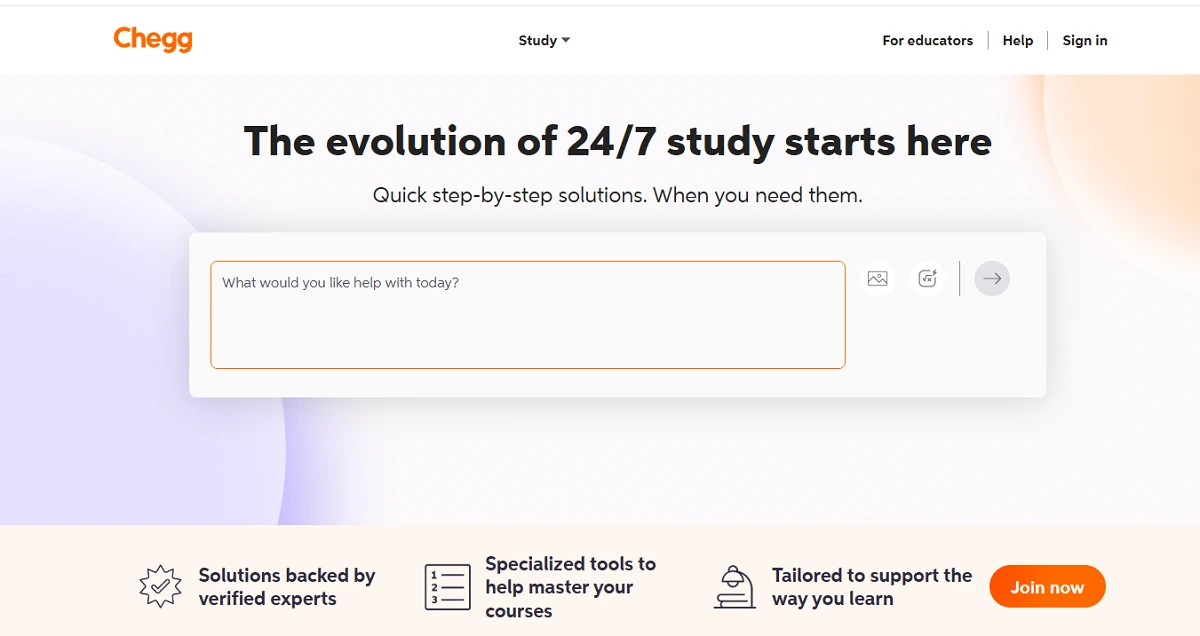
Chegg Study provides textbook solutions, expert Q&A, and study resources across a wide range of subjects. The Chegg Study subscription covers millions of textbook questions with step-by-step answers, functioning somewhat like Photomath for textbook-format problems. Pricing is approximately $15.95 per month.
Chegg’s strength is breadth it covers many more subjects than Photomath, including sciences and social studies. Its limitation is that answers are pre-populated rather than dynamically solved, and engineering-specific depth for coursework problems (free body diagrams, circuit analysis) is inconsistent.
Students comparing tutoring platforms may also want to read this Remind Tutoring review for additional context on how different services approach live support.
Course Hero
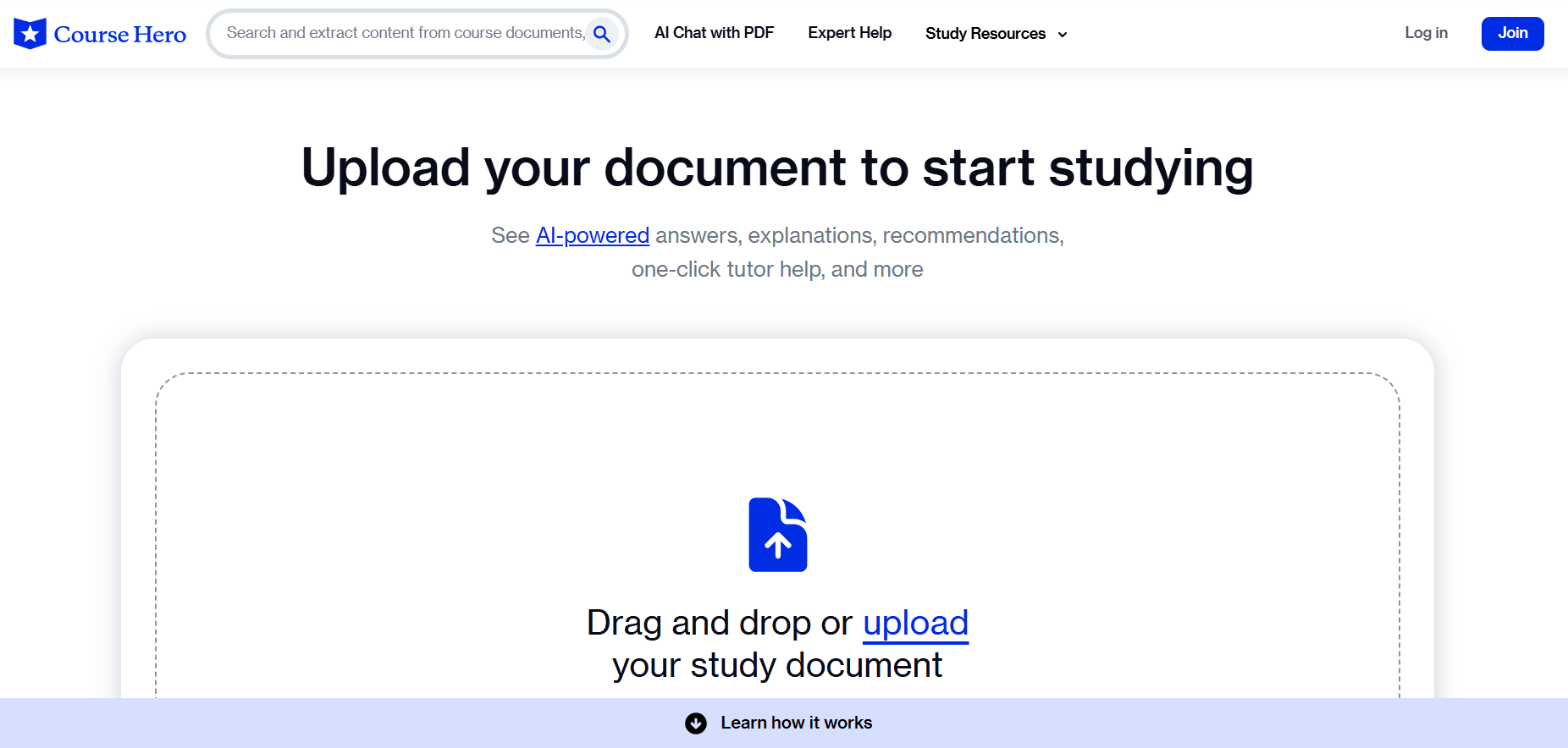
Course Hero provides a document library of course-specific study materials notes, past exams, and solutions uploaded by students along with a 24/7 tutor Q&A service. Course Hero is primarily useful for course-specific reference materials rather than dynamic problem solving.
Its document library can be valuable when studying for an exam on a specific course, but it does not provide the interactive step-by-step working that Photomath delivers. Pricing is subscription-based with monthly and annual options.
For a broader look at how tutoring platforms compare, this Owl Tutors review covers another alternative worth considering.
My Engineering Buddy
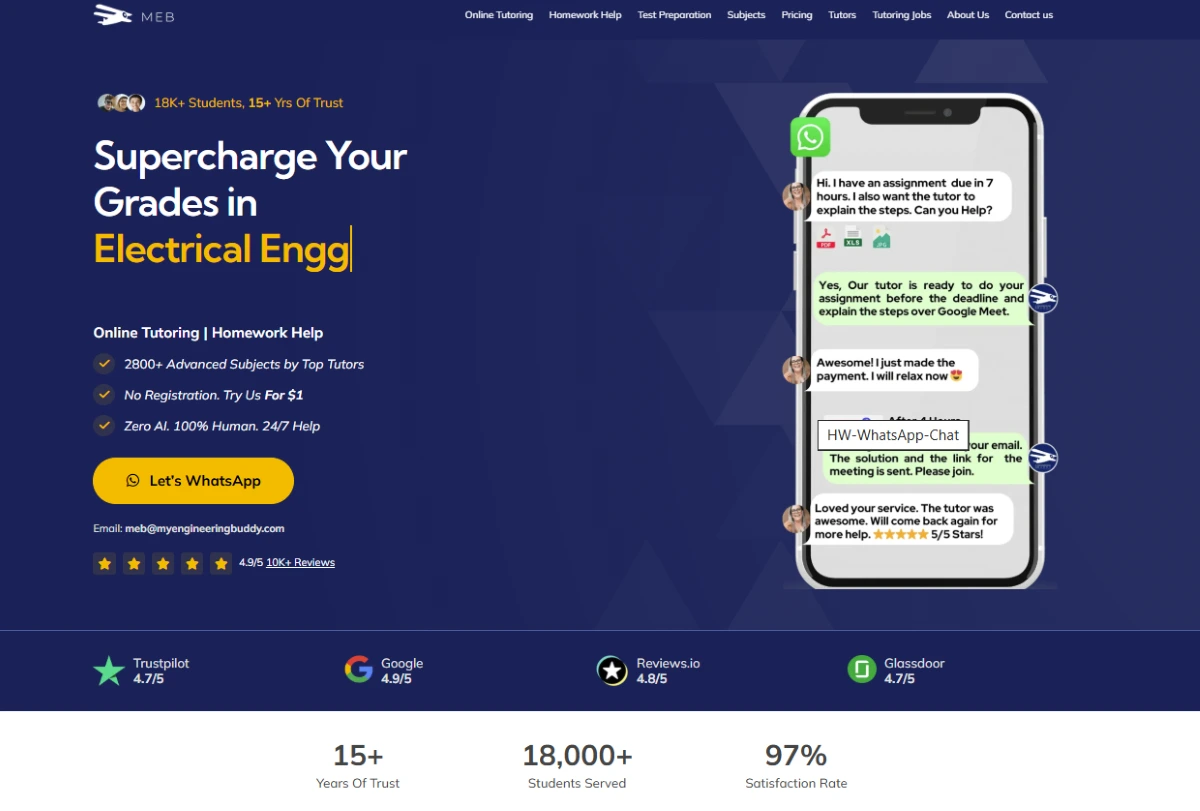
MEB is a live tutoring service for engineering and technical subjects statics, dynamics, thermodynamics, fluid mechanics, circuits, materials science, and FE/PE exam preparation. Where Photomath uses automated scan-and-solve that handles K-12 math and basic college calculus, MEB connects students with engineering-degree-holding tutors for live 1-on-1 sessions on the specific coursework problems they are stuck on.
Sessions start at $20 per hour with a $1 trial for a 30-minute introductory session. MEB’s tutors specialize in the engineering disciplines that Photomath cannot reliably process multi-body statics problems, thermodynamic cycle analysis, Kirchhoff’s laws in complex circuits, and Navier-Stokes applications.
The practical distinction: Photomath is the right tool for a student who needs a quick check on a calculus derivative or an algebra equation. MEB is the right tool for an engineering student working through a statics problem set or preparing for a thermodynamics exam.
The two tools complement rather than compete with each other Photomath for math foundations, MEB for engineering applications that build on those foundations.
Khan Academy
Khan Academy is a free self-paced learning platform covering K-12 math, science, computing, and test preparation. Unlike Photomath, Khan Academy does not scan and solve individual problems it provides structured video lessons and practice exercises.
Khan Academy is the strongest free Photomath alternative for students who want to understand a topic from scratch rather than check a specific homework answer. Its math coverage from arithmetic through calculus is comprehensive and freely available.
For students who consistently use Photomath’s free tier for step-by-step solutions and want to understand the underlying concepts more deeply, Khan Academy is a natural complement.
Those evaluating free and low-cost tutoring platforms may also find this UpChieve review useful for comparison.
AI for STEM Learning Using Generative Tools to Make Math and Engineering Concepts Easier
How Photomath Works
Photomath delivers math help through three complementary input methods camera scanning, typed entry, and handwritten problem recognition with solutions that show the complete working, not just the final answer. Understanding which method works best for which problem type is the key to using Photomath effectively.
For Students
To use Photomath, students open the app and point their phone camera at a printed or handwritten math problem. The app recognizes the problem, solves it, and shows each step of the solution. For problems that are difficult to scan (complex notation, handwriting recognition failures), students can type the problem manually through the app’s input interface.
Photomath covers most K-12 and basic college math topics, including arithmetic, pre-algebra, algebra, geometry, trigonometry, statistics, and basic calculus. Multiple solution methods are shown where applicable for example, factoring, the quadratic formula, and completing the square for quadratic equations.
The free tier provides this core functionality without limits. The Plus tier adds animated tutorials that walk through each step with visual explanation, and textbook-specific solutions that match the exact format of major textbooks.
For students who find the standard step-by-step explanation insufficient and need the reasoning demonstrated visually, Plus provides meaningful additional value. For students whose primary use case is checking answers and understanding basic working, the free tier is sufficient for most K-12 coursework.
Photomath’s best explanatory features apply to problems within its coverage range. Outside that range advanced engineering mathematics, differential equations with complex boundary conditions, numerical methods accuracy degrades. Students who encounter errors should treat Photomath as a checking tool, not a replacement for working through problems independently.
For Tutors
Photomath is primarily a student tool, but tutors and teachers can use it as a teaching aid to quickly demonstrate solution methods or check multiple approaches to a problem. It works 24/7 as a “virtual tutor” meaning it supplements rather than replaces human instruction.
For professional tutors, Photomath can streamline the demonstration of basic techniques, freeing session time for the reasoning and judgment-call elements of problem solving that automated tools cannot address.
Students who need support beyond what automated tools offer may benefit from working with an online statistics tutor for more complex quantitative coursework.
Read More: Best Digital Tools Engineering Students Need for College & Projects
Photomath Company Information
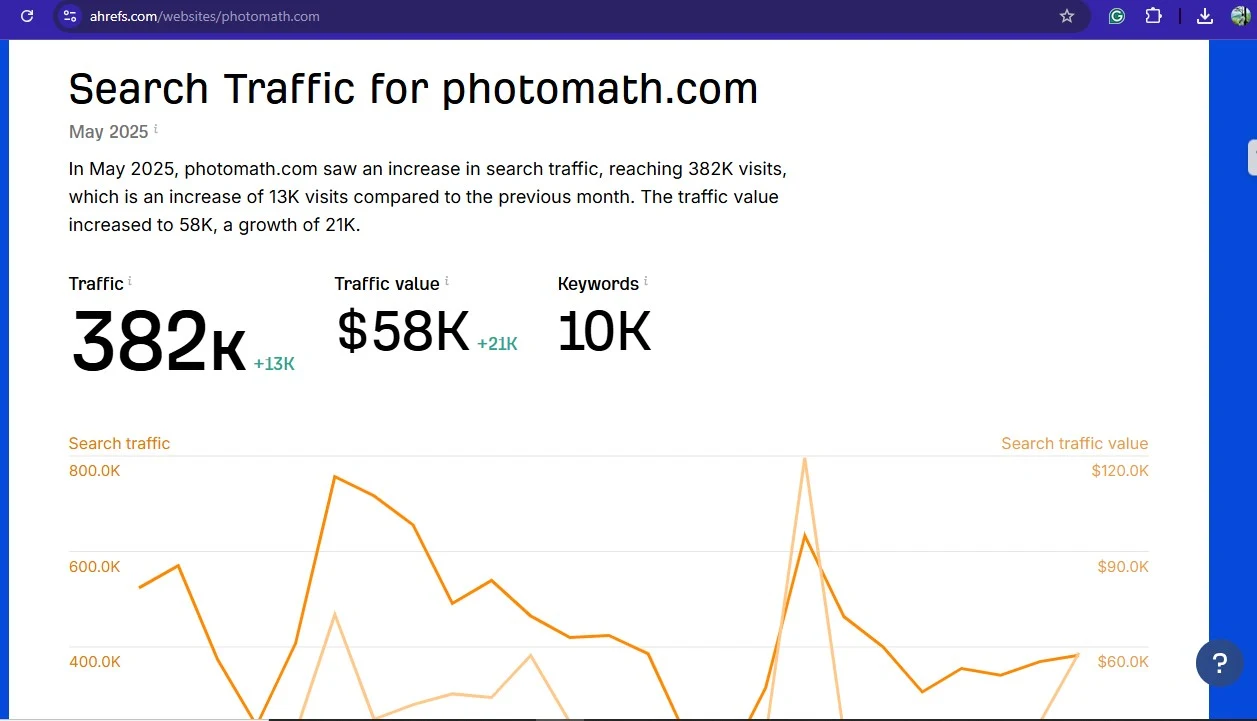
Photomath was founded in Zagreb, Croatia in 2014 and now ranks as one of the world’s leading math education apps, with over 100 million downloads, Google ownership since 2023, and international availability across multiple platforms and languages. The traffic chart below illustrates Photomath’s user engagement trajectory.
Background and Founders
Photomath was founded in Zagreb, Croatia, in 2014 by Damir Sabol, who originally built the app to help his own children learn math. The core concept pointing a phone camera at a math problem to receive an immediate step-by-step solution was novel at launch and quickly attracted millions of users.
Google acquired Photomath in 2023, integrating some functionality with Google Lens’s math capabilities while keeping Photomath as a separate, fully functional standalone app. The Google acquisition provided Photomath with significantly expanded infrastructure and research resources.
Scale, Services, and Subjects
By early 2026, Photomath has over 100 million downloads and is available in dozens of languages. Its subject coverage spans arithmetic, pre-algebra, algebra, geometry, trigonometry, pre-calculus, statistics, and basic calculus the full K-12 curriculum and introductory college math.
The app operates on both iOS and Android, processes problems through camera scanning and typed input, and provides step-by-step solutions both in the free tier and through the animated Plus tutorials. Photomath is truly international in reach, with localized content and multi-language support that makes it accessible to students beyond English-speaking markets.
Students preparing for A-level qualifications can also find specialist support, including an A/AS Level Computer Science tutor for technical coursework that goes beyond what math apps can address.
USP (Unique Selling Proposition)
Photomath is a quick, AI-driven math solver whose core differentiator is the camera-to-solution workflow: scan a problem, receive a complete step-by-step solution instantly, at no cost for the basic tier. This zero-friction access model no account required for basic use, no ads, no time limits on the free tier is what drove its initial 100 million download milestone.
The best explanatory features in Plus go further: animated walk-throughs that explain reasoning visually, not just mechanically, targeting students who need to understand why each step is valid, not just that it is.
Drawbacks
Photomath’s primary limitations are its coverage ceiling and its reliance on the app store billing model. Its math coverage stops reliably at introductory college calculus beyond that level, particularly in engineering applications, its accuracy degrades. Statics problems involving multi-force free body diagrams, thermodynamics problems requiring system boundary analysis, and circuit analysis problems with complex topologies are outside the app’s reliable operating range.
The second significant drawback is the refund policy: because billing goes through Apple or Google, refund windows are narrow (7 days for Android, Apple-dependent for iOS), and unused subscription time is not refunded on early cancellation. Students who upgrade to Plus and then downgrade often lose the remaining subscription period with no credit.
Students who need support in language-focused A-level subjects can explore options such as an A/AS Level Chinese Language and Literature teacher as a complement to app-based tools.
Comparison with My Engineering Buddy
| Feature | Photomath | My Engineering Buddy (MEB) |
|---|---|---|
| How It Works | Camera scan or typed input → automated step-by-step solution | Live 1-on-1 sessions with engineering-specialist tutors |
| Subject Coverage | K-12 math and basic college calculus | Engineering subjects: statics, thermodynamics, circuits, dynamics, FE/PE exam prep |
| Price | Free (basic) / $9.99 per month (Plus) / $69.99 per year | From $20 per hour; $1 for a 30-minute trial session |
| Availability | 24/7 on-demand | Scheduled live sessions |
| Engineering Accuracy | Unreliable above introductory calculus | Core specialty |
| App Store Rating | 4.6/5 App Store (729K ratings); 4.2/5 Google Play (3M reviews) | 4.8/5 Trustpilot |
| Ownership | Google (acquired 2023) | Independent engineering education platform |
Customer Support and Policies
Photomath support is handled online through the app’s help center and email contact channels. Because billing and refunds are processed by Apple and Google, many support inquiries are handled through those platforms rather than directly by Photomath.
For subscription and billing issues, users should contact the relevant app store support as the first step. Photomath’s own support team handles app-specific issues such as recognition errors, account questions, and content feedback.
Global Reach and Localization
Photomath is truly international, available in dozens of languages with localized content across its global user base of more than 100 million. The app’s multilingual support and cross-platform availability (iOS and Android) make it one of the most widely distributed math tools globally. Its international reach reflects Photomath’s original launch market in Croatia and Europe before expanding to the US and broader global markets.
Photomath’s Future Plans
Photomath has expanded its integration with Google’s AI capabilities since the 2023 acquisition. Announced future directions include deeper integration with Google Lens’s math recognition features, expanded coverage of higher-level math topics, and enhanced AI-powered explanations.
As a Google product, Photomath benefits from ongoing AI research investment. Whether these developments will meaningfully extend its ceiling for engineering-level mathematics the current hard limit for the app remains to be demonstrated in product releases through 2026.
For a look at how another tutoring platform approaches STEM support, this PrepClass review offers a useful point of comparison.
FAQs About Photomath
Is Photomath free?
Yes, the core Photomath app is free. The free tier provides unlimited step-by-step solutions for most standard math problems, with no ads and no time limits. The Photomath Plus subscription ($9.99/month or $69.99/year) unlocks animated tutorials and textbook-specific solutions, but the free version is genuinely functional for most K-12 and early college math needs.
How much does Photomath Plus cost?
Photomath Plus costs $9.99 per month or $69.99 per year (approximately $5.83 per month, a roughly 50% savings). A 7-day free trial is available for new Plus subscribers. The Photomath Plus subscription is managed through the Apple App Store or Google Play — Photomath does not handle billing directly.
Is Photomath accurate for engineering problems?
Photomath is accurate and reliable for K-12 math and introductory college calculus. For engineering coursework — statics free body diagrams, circuit analysis, thermodynamic system problems, fluid mechanics — Photomath’s accuracy is inconsistent and should not be relied upon. For engineering subjects, a specialized tutoring service is a more appropriate tool.
Did Google acquire Photomath?
Yes. Google acquired Photomath in 2023. Photomath continues to operate as a standalone product separate from Google’s other education tools, though some features have been integrated with Google Lens’s math recognition capabilities. The free tier and Plus pricing structure remain unchanged from the pre-acquisition model.
How does Photomath work?
Photomath works by using your phone’s camera to recognize a math problem — printed or handwritten — and then displays the complete step-by-step solution. Users can also type problems manually if scanning does not work. The free tier provides standard step-by-step solutions; Plus adds animated walk-throughs and textbook-matched solutions.
What is Photomath’s refund policy?
Photomath’s refunds depend on which app store processed your purchase. For Android (Google Play), refunds are available within 7 days of purchase by emailing Photomath support with your order number. For iOS (Apple App Store), contact Apple support directly. After the initial window, neither platform generally refunds subscription fees, and unused time from cancelled subscriptions is not prorated.
What are the best Photomath alternatives for engineering students?
For engineering students who need help beyond K-12 math, My Engineering Buddy (MEB) is the most directly applicable alternative — live tutoring sessions in statics, thermodynamics, circuits, dynamics, and FE/PE exam prep, starting at $20 per hour with a $1 trial. Khan Academy is the best free complement for building math foundations. Wyzant provides marketplace-based 1-on-1 tutoring. Chegg Study and Course Hero provide textbook-focused reference content.
Conclusion
Photomath is one of the most effective and widely used math homework tools available in 2026, with 100 million downloads and high ratings across both major app platforms. Its free tier is genuinely useful for K-12 math and introductory college calculus, and the $9.99 per month Plus tier adds meaningful value for students who need animated tutorials and textbook-specific solutions. The key limitation for STEM students is coverage: Photomath does not reliably handle the engineering-specific coursework that defines junior and senior engineering curricula.
Related Reading
******************************
This article provides general educational guidance only. It is NOT official exam policy, professional academic advice, or guaranteed results. Always verify information with your school, official exam boards (College Board, Cambridge, IB), or qualified professionals before making decisions. Read Full Policies & Disclaimer , Contact Us To Report An Error
